



This past weekend I noticed the <formUploadFile> pipeline in Web Forms for Marketers (WFFM), and wondered whether I could create an alternative solution to the one I had shared in this post — I had built a custom WFFM field type to prevent certain files from being uploaded through WFFM forms.
After some tinkering, I came up the following class to serve as a <formUploadFile> pipeline processor:
using System;
using System.Collections.Generic;
using System.Web;

using Sitecore.Diagnostics;

using Sitecore.Form.Core.Pipelines.FormUploadFile;

namespace Sitecore.Sandbox.Form.Pipelines.FormUploadFile
{
    public class CheckMimeTypesNotAllowed
    {
        static CheckMimeTypesNotAllowed()
        {
            MimeTypesNotAllowed = new List<string>();
        }

        public void Process(FormUploadFileArgs args)
        {
            Assert.ArgumentNotNull(args, "args");
            string mimeType = GetMimeType(args.File.FileName);
            if (IsMimeTypeAllowed(mimeType))
            {
                return;
            }

            throw new Exception(string.Format("Uploading a file with MIME type {0} is not allowed", mimeType));
        }

        protected virtual string GetMimeType(string fileName)
        {
            Assert.ArgumentNotNullOrEmpty(fileName, "fileName");
            return MimeMapping.GetMimeMapping(fileName);
        }

        protected virtual bool IsMimeTypeAllowed(string mimeType)
        {
            foreach (string mimeTypeNotAllowed in MimeTypesNotAllowed)
            {
                if (AreEqualIgnoreCase(mimeTypeNotAllowed, mimeType))
                {
                    return false;
                }
            }

            return true;
        }

        private static bool AreEqualIgnoreCase(string stringOne, string stringTwo)
        {
            return string.Equals(stringOne, stringTwo, StringComparison.CurrentCultureIgnoreCase);
        }

        private static void AddMimeTypeNotAllowed(string mimeType)
        {
            if (string.IsNullOrWhiteSpace(mimeType) || MimeTypesNotAllowed.Contains(mimeType))
            {
                return;
            }

            MimeTypesNotAllowed.Add(mimeType);
        }

        private static IList<string> MimeTypesNotAllowed { get; set; }
    }
}
The class above adds restricted MIME types to a list — these MIME types are defined in a configuration file shown below — and checks to see if the uploaded file’s MIME type is in the restricted list. If it is restricted, an exception is thrown with some information — throwing an exception in WFFM prevents the form from being submitted.
MIME types are inferred using System.Web.MimeMapping.GetMimeMapping(string fileName), a method that is new in .NET 4.5 (this solution will not work in older versions of .NET).
I then registered the class above as a <formUploadFile> pipeline processor via the following configuration file:
<configuration xmlns:patch="http://www.sitecore.net/xmlconfig/" xmlns:x="http://www.sitecore.net/xmlconfig/">
  <sitecore>
    <pipelines>
      <formUploadFile>
        <processor patch:before="processor[@type='Sitecore.Form.Core.Pipelines.FormUploadFile.Save, Sitecore.Forms.Core']"
                   type="Sitecore.Sandbox.Form.Pipelines.FormUploadFile.CheckMimeTypesNotAllowed">
          <mimeTypesNotAllowed hint="list:AddMimeTypeNotAllowed">
            <mimeType>application/octet-stream</mimeType>
          </mimeTypesNotAllowed >
        </processor>
      </formUploadFile>
    </pipelines>
  </sitecore>
</configuration>
In case you are wondering, the MIME type being passed to the processor in the configuration file is for executables.
Let’s see how we did. 😉
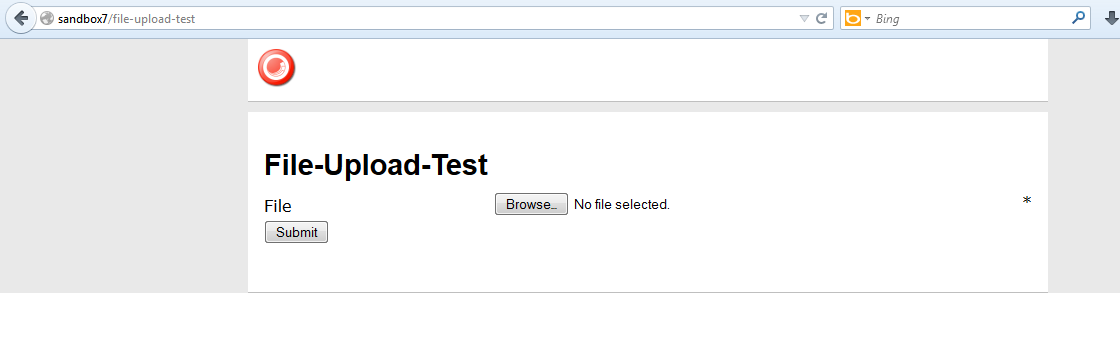
I whipped up a test form, and pulled it up in a browser:
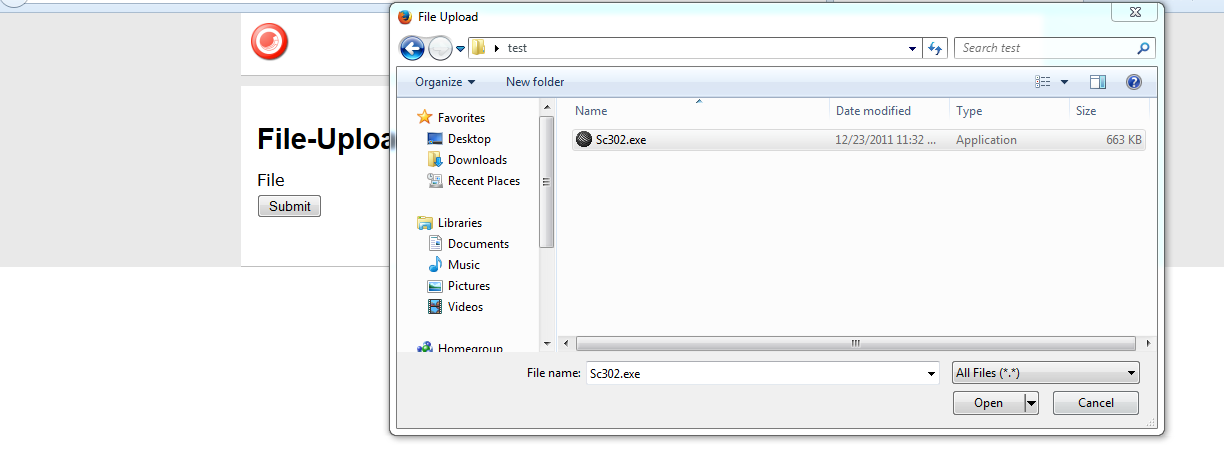
I then selected an executable:
I saw this after an attempt to submit the form:

And my log file expressed why:

I then copied a jpeg into my test folder, and selected it to be uploaded:

After clicking the submit button, I was given a nice confirmation message:

There is one problem with the solution above that I would like to point out: it does not address the issue of file extensions being changed. I could not solve this problem since the MIME type of the file being uploaded cannot be determined from the Sitecore.Form.Core.Media.PostedFile instance set in the arguments object: there is no property for it. 😦
If you know of another way to determine MIME types on Sitecore.Form.Core.Media.PostedFile instances, or have other ideas for restricting certain files from being uploaded through WFFM, please share in a comment.
 SitecoreJunkie.com